
 Mohit Singh
|
Getting your Trinity Audio player ready...
|
Subscriptions are bleeding your budget dry. The average person spends over $1,080 per year on them and forgets at least one they’re paying for. These apps find those charges, track your spending, and help you cancel what you don’t need.
Quick Comparison
| App | Best For | Starting Price | Free Version |
|---|---|---|---|
| Rocket Money | Canceling subscriptions | $7-$14/month (paid) | Yes |
| Quicken Simplifi | Full financial picture | $2-$4/month | No |
| PocketGuard | Lifetime access (one-time fee) | Free / one-time purchase | Yes |
| Monarch Money | Custom budgeting | $14.99/month | No |
| Origin | Visualizing payments | $1 first year | No |
| Bobby | Manual, private tracking | Free | Yes |
1. Rocket Money – Best for Canceling Subscriptions
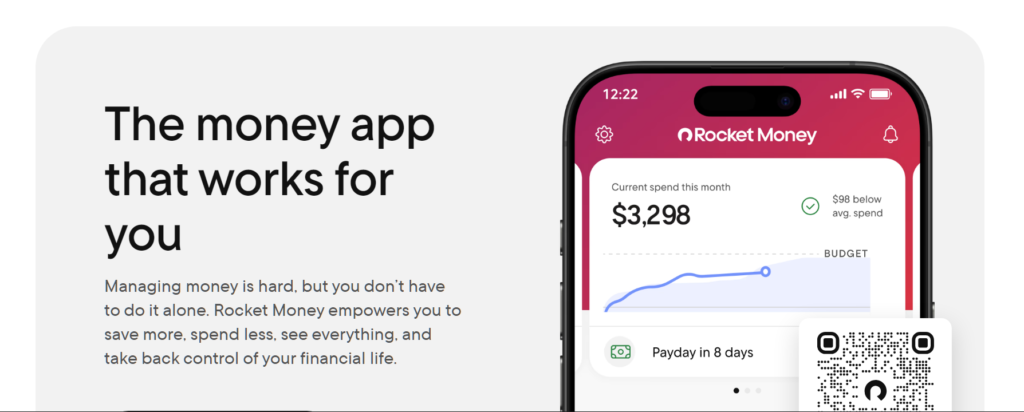
Rocket Money is the top subscription manager for a reason. It automatically detects recurring charges on your accounts. Even the free version finds subscriptions you forgot about.
The premium feature is the Concierge tool. It cancels unwanted subscriptions on your behalf. You don’t have to call or email anyone. The app handles it.
Rocket Money also negotiates your bills. Their team will call your cell phone or internet provider to lower your rate. If they succeed, they take a percentage of the savings.
Pricing: Free version available. Paid plans run $7 to $14 per month. The premium plan adds net-worth tracking and account sharing.
Watch out for: The cancellation service isn’t always completely hands-off. Some subscriptions require you to do the final step.
2. Quicken Simplifi – Best for Your Full Financial Picture
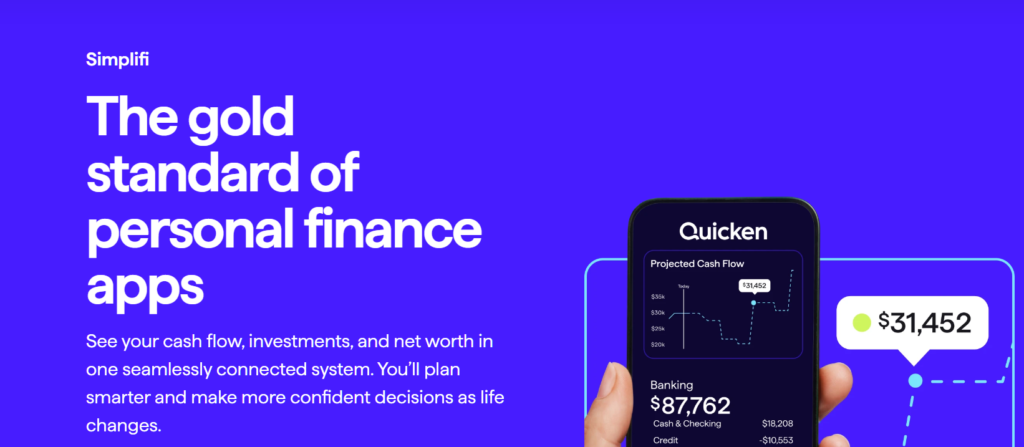
Quicken Simplifi doesn’t just track subscriptions. It integrates them into your entire spending plan. The app detects your recurring costs and shows you exactly what’s safe to spend each month.
This is helpful when you’re wondering if those extra subscriptions are straining your budget. Simplifi also notifies you about price changes and upcoming charges.
Pricing: No free version. Plans start around $2 to $4 per month.
Watch out for: You have to pay to use it. If you want a free option, look at Rocket Money or PocketGuard.
3. PocketGuard – Best for a One-Time Purchase
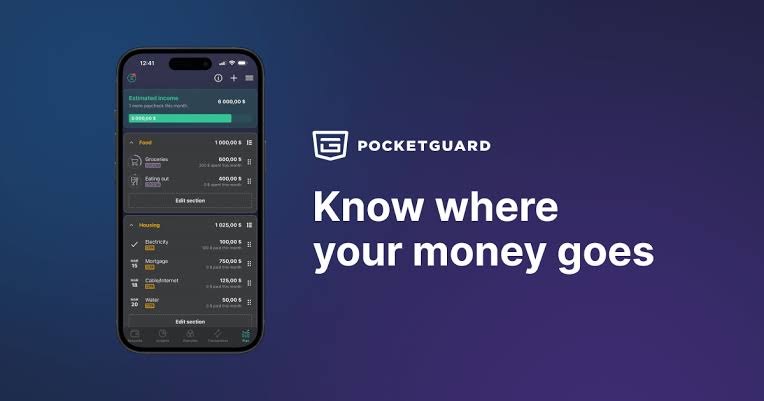
PocketGuard automatically detects your recurring payments and puts them on a single dashboard. It notifies you before subscriptions renew and alerts you to price increases.
The app also tells you how much money you have left after essential bills are paid. That makes it easy to see if subscriptions are pushing you over budget each month.
The standout feature: PocketGuard offers a one-time purchase for lifetime access. You don’t have to pay another monthly subscription just to manage your subscriptions.
Pricing: Free version available. One-time purchase for lifetime access. Monthly subscription option also available.
Watch out for: Account connectivity is limited for free users. The paid version gives you full access.
4. Monarch Money – Best for Custom Budgeting
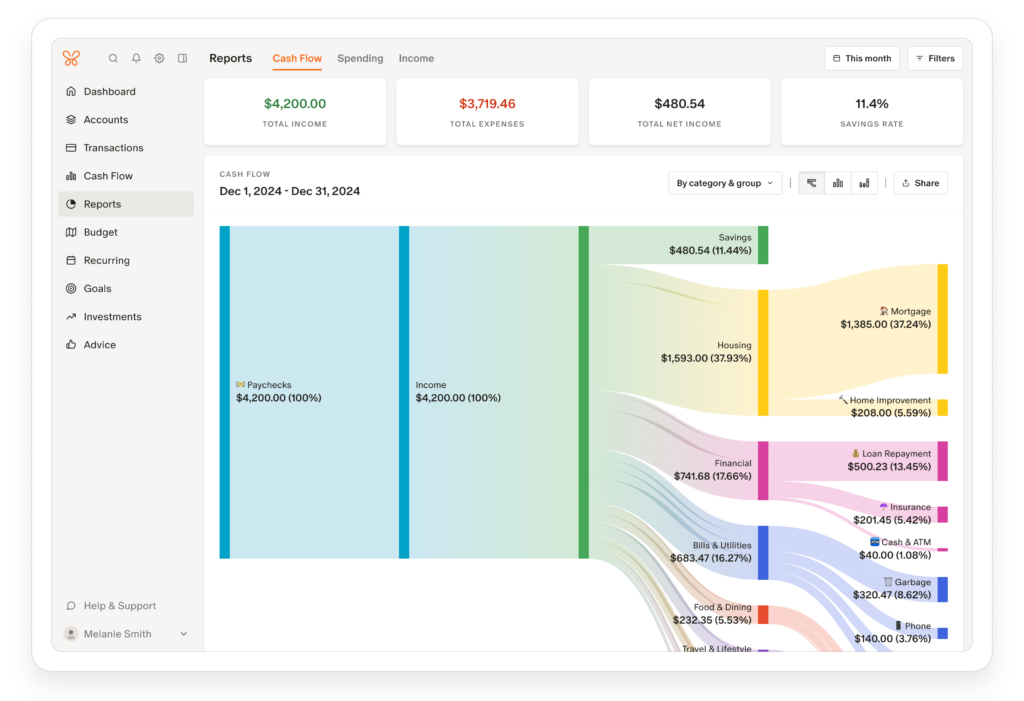
Monarch Money gives you complete control over how you organize your budget. You can track spending, run a monthly budget, monitor net worth, and analyze investments all in one place.
The subscription manager tracks all your recurring charges. You can see every subscription in one place and cancel the ones you don’t need.
Pricing: $14.99 per month. No free plan.
Watch out for: There’s a learning curve. Some users report differences in features between the web and mobile versions.
5. Origin – Best for Visualizing Payments
Origin uses a calendar view to show all your recurring payments. Each date shows exactly how much is due and to which company. You can click on a company’s logo and go directly to the cancellation page.
Origin connects to over 13,000 financial institutions. It tracks recurring charges across all linked accounts at once. If you have subscriptions spread across three credit cards, Origin sees all of them.
The app also includes investing, retirement planning, and tax filing. It’s a complete financial platform.
Pricing: $1 for the first year (promotional). Regular pricing applies after that.
Watch out for: It may require more setup than simpler apps. The comprehensive features come with a learning curve.
6. Bobby – Best for Privacy
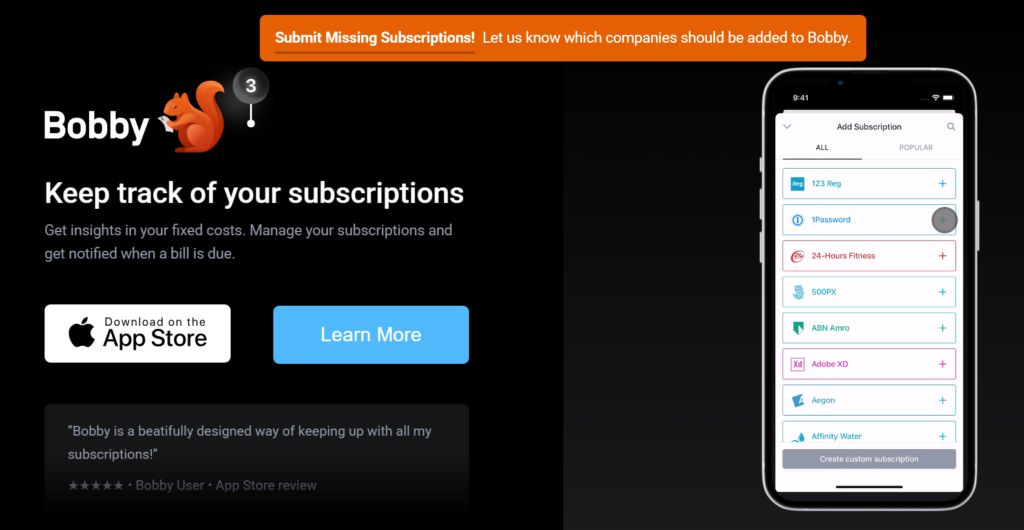
Bobby is different from the others. You don’t link your bank account. You manually enter your subscription details, and Bobby reminds you when renewals are coming up.
This is a privacy-first approach. You don’t give the app access to your financial data. Bobby is simple, clean, and does one thing well.
Pricing: Free. Works for tracking 10 subscriptions or less.
Watch out for: Manual entry means you have to remember to add every subscription. The app won’t find forgotten charges for you.
Also Read: Live TV Streaming Services Review: Top Picks for Every Budget
How to Choose the Right App
For canceling subscriptions automatically: Rocket Money. The Concierge tool does the heavy lifting.
For a complete financial view: Quicken Simplifi. See subscriptions in the context of your whole budget.
For avoiding another monthly fee: PocketGuard. Pay once and own it forever.
For full customization: Monarch Money. Build your budget exactly how you want it.
For seeing everything on a calendar: Origin. Visual learners will love the layout.
For privacy and simplicity: Bobby. No bank linking, no data sharing.
Common Questions
Most apps require it for automatic detection. Bobby is the exception – you enter everything manually.
Rocket Money is used by millions of people and uses strong security. All major apps encrypt your data.
Not always. Some services require you to cancel directly. The apps handle most major streaming and software subscriptions.
Most apps detect when a free trial converts to a paid subscription. They alert you before you start getting charged.
Final Verdict
Rocket Money is the best app for managing subscriptions in 2026. It finds forgotten charges and cancels them for you. The free version alone is worth downloading. If you want a complete budgeting tool, get Quicken Simplifi. If you want to avoid another monthly fee, PocketGuard’s one-time purchase is the way to go.
Start by linking your main bank account to Rocket Money’s free version. Let it scan for subscriptions. You’ll probably find at least one charge you forgot about. Cancel it and save money starting this month.
Also Read: Best Credit Cards for Streaming Subscriptions in 2026