
 Mohit Singh
|
Getting your Trinity Audio player ready...
|
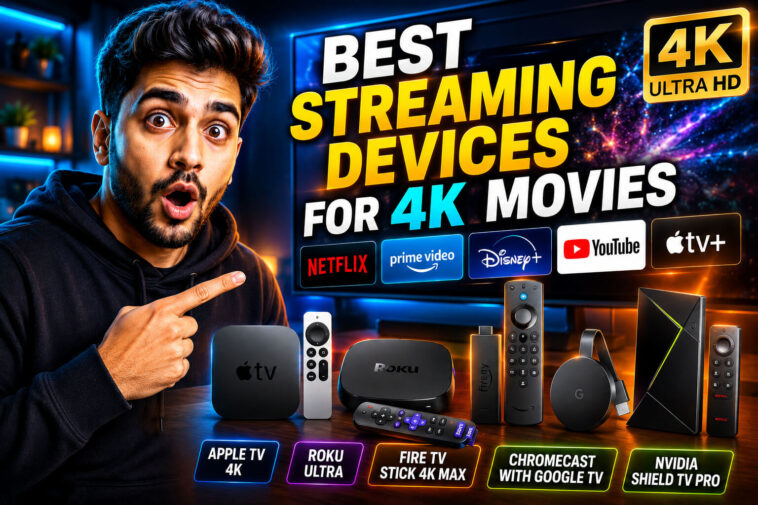
Your TV might be 4K, but its built-in apps might not deliver true 4K. Many smart TVs have slow processors that downgrade picture quality. A dedicated streaming device fixes that. It gives you faster performance, better picture quality, and regular software updates.
Quick Comparison
| Device | Best For | Price | HDR Support | Audio |
| Nvidia Shield TV Pro | Picture quality & gaming | $200 | Dolby Vision, HDR10 | Dolby Atmos |
| Roku Ultra | Overall ease of use | ~$100 | Dolby Vision, HDR10+, HLG | Dolby Atmos |
| Apple TV 4K | Speed & Apple users | $129+ | Dolby Vision, HDR10+ | Dolby Atmos |
| Roku Streaming Stick 4K | Travel & portability | ~$50 | Dolby Vision | No Atmos |
| Amazon Fire TV Stick 4K Max | Amazon ecosystem | ~$60 | Dolby Vision, HDR10+ | No Atmos |
| Google TV Streamer | Google Assistant users | $100 | Dolby Vision, HDR10+ | Dolby Atmos |
1. Nvidia Shield TV Pro – Best Picture Quality
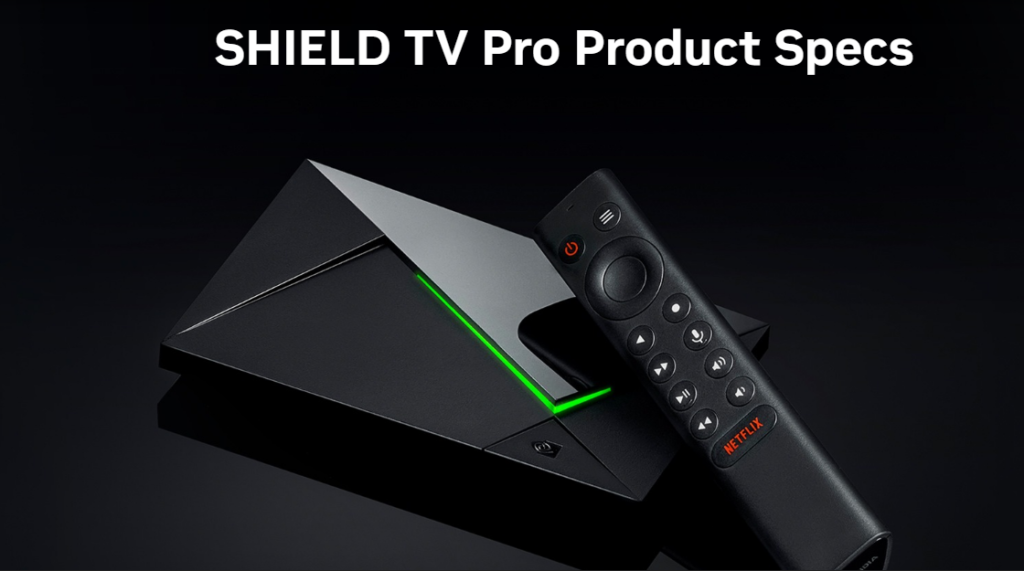
Consumer Reports named the Nvidia Shield TV Pro the best streaming device on the market. It scores top marks for picture quality and features.
The AI upscaling is the main selling point. It takes lower-resolution content and makes it look closer to 4K. Old movies and standard HD shows look noticeably sharper.
The hardware is powerful. It has 3GB of RAM, two USB-A 3.0 ports, a gigabit Ethernet port, and an HDMI 2.0 port. The Tegra X1+ processor handles 4K at 60 frames per second without dropping frames.
The Shield also doubles as a cloud gaming machine. You can play PC games through GeForce Now with 4K HDR visuals and Dolby Atmos audio. You need a controller and a GeForce Now membership for that.
The downsides are price and size. It costs $200, which is twice as much as most competitors. It’s also a set-top box, not a small stick. It takes up space on your shelf.
Who should get it: Movie lovers who want the best picture quality. Gamers who want cloud gaming on their TV. People willing to pay for top-tier performance.
2. Roku Ultra – Best Overall
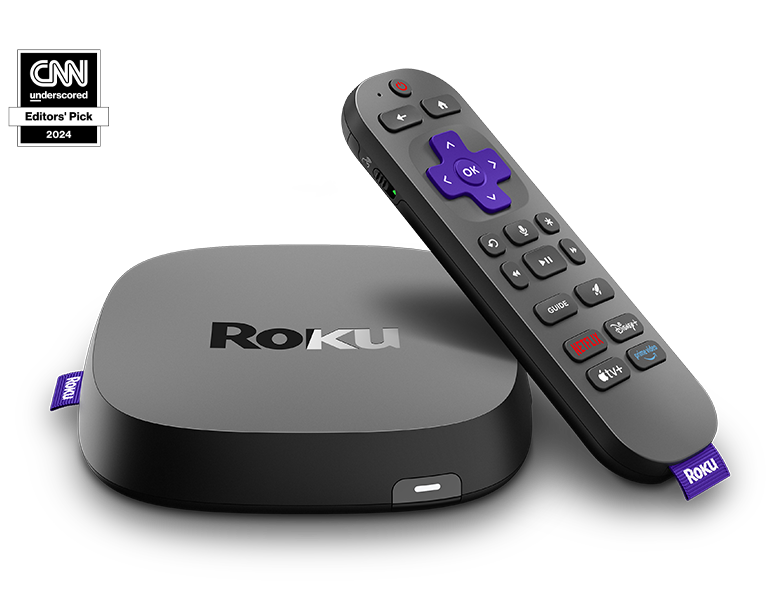
The Roku Ultra is the best streaming device for most people. It’s reasonably priced, supports 4K HDR at up to 60fps, and comes with the best remote in the business.
The interface is dead simple. Roku’s menu is clean and intuitive. You won’t get lost trying to find your shows. The app selection is huge – Roku has virtually every streaming service available.
The Voice Remote Pro is a standout feature. It has hands-free voice control – just say “Hey Roku” to search. The remote also has a headphone jack for private listening. And if you lose it in the couch, you can call out to it and it will play a sound.
The Ultra supports HDR10, HDR10+, HLG, and Dolby Vision. It also works with Dolby Atmos for immersive audio. The device has an Ethernet port for a wired connection and a USB port for playing local files.
Who should get it: People who want a simple, reliable streaming experience. Anyone tired of confusing smart TV interfaces. The best choice for most households.
3. Apple TV 4K – Fastest Performance
The Apple TV 4K is the fastest streaming device you can buy. Menu navigation is instantaneous. Apps load almost before you click them.
The third-generation model runs on the A15 Bionic chip, the same processor as the iPhone 13. It supports Dolby Vision, HDR10+, and Dolby Atmos. The 128GB version includes an Ethernet port.
Apple users will love the integration. You can AirPlay content from your phone, use Apple Fitness+ for workouts, and play Apple Arcade games with a controller. The interface is slick, though some find it less intuitive than Roku’s.
The price is the main drawback. It starts at $129, which is expensive for a streaming device. It’s also been on the market since 2022, and rumors suggest a new model is coming soon.
Who should get it: People deeply invested in the Apple ecosystem. Anyone who values speed above all else. Users who want the smoothest possible experience.
4. Roku Streaming Stick 4K – Best for Travel
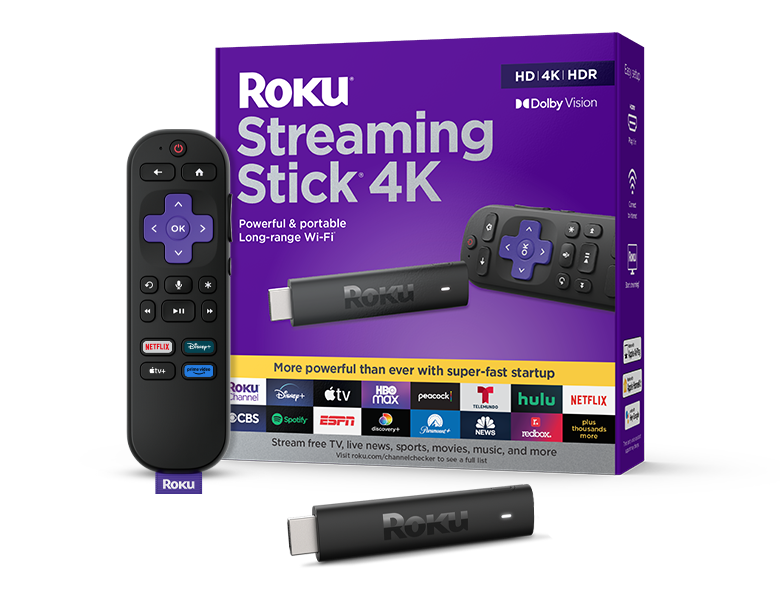
The Roku Streaming Stick 4K gives you most of the Ultra’s features in a portable package. It plugs directly into your TV’s HDMI port and hides behind the screen.
The interface is the same simple Roku experience. The main difference from the Ultra is the lack of Dolby Atmos and an Ethernet port. You also get a standard remote instead of the Voice Remote Pro.
The stick supports Dolby Vision HDR. It’s perfect for throwing in your bag when you travel. You can plug it into any hotel TV and get your streaming services without logging in to the hotel’s system.
Who should get it: Travelers who want a portable streaming device. People who don’t need Dolby Atmos or a wired connection. Anyone who wants the Roku experience at a lower price.
5. Amazon Fire TV Stick 4K Max – Best for Amazon Users
The Fire TV Stick 4K Max is the best Fire Stick on the market. It loads apps almost instantly and navigates smoothly.
The standout feature is Wi-Fi 6E support. If you have a Wi-Fi 6E router, you’ll get faster and more reliable streaming. The stick also has 16GB of storage for apps.
Amazon users will appreciate the integration. The Alexa voice remote can control your smart home devices. The Fire TV interface puts Prime Video front and center. The Ambience mode can show delivery information on your TV screen.
The downsides: no Apple AirPlay or Google Cast support. The interface is more cluttered than Roku’s, with ads and promoted content.
Who should get it: People who buy everything from Amazon. Prime Video subscribers. Users with Wi-Fi 6E routers who want the fastest possible connection.
6. Google TV Streamer – Best for Google Assistant
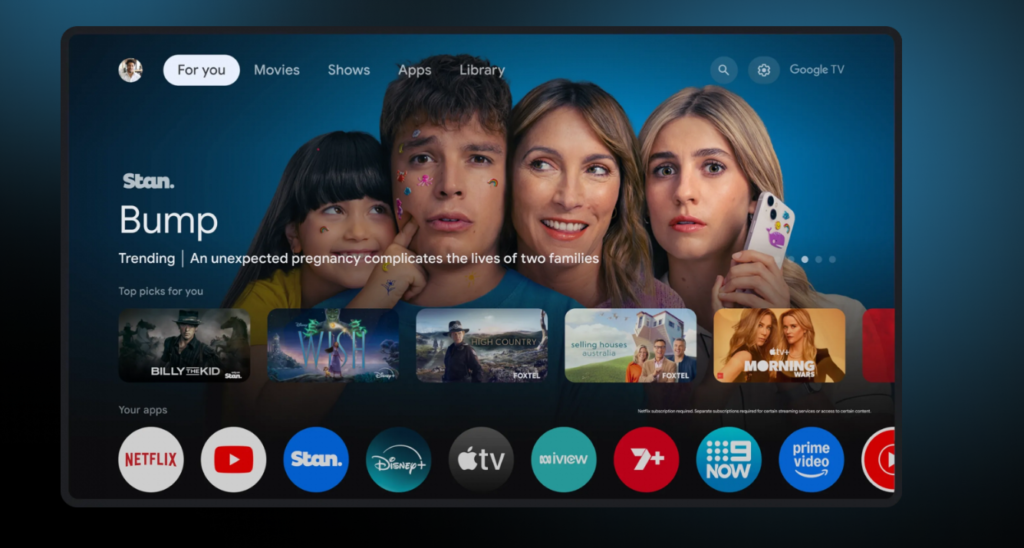
Google replaced the Chromecast line with the Google TV Streamer in 2024. It only comes in a 4K model and costs $100.
The device fixes the storage issues of older Chromecasts. It has 32GB of onboard storage, so you won’t run out of space for apps. The upgraded processor eliminates the lag that plagued previous models.
The Google TV interface is intuitive and personalized. It recommends content based on your viewing habits. The device supports Dolby Vision and HDR10+.
Who should get it: People who use Google Assistant and Google Home. Anyone who prefers the Google TV interface over Roku or Fire TV.
How to Choose the Right Device
For the best picture quality: Nvidia Shield TV Pro. The AI upscaling makes everything look better.
For the easiest experience: Roku Ultra. Simple interface, great remote, and solid performance.
For the fastest speed: Apple TV 4K. Nothing else comes close in responsiveness.
For portability: Roku Streaming Stick 4K. Throw it in your bag and go.
For Amazon Prime fans: Fire TV Stick 4K Max. Seamless integration with Alexa and Prime Video.
For Google users: Google TV Streamer. Clean interface with Google Assistant built in.
Common Questions
Smart TVs often have slow processors and poor app support. A dedicated device loads faster and gets updates longer.
Sticks plug directly into the HDMI port and hide behind the TV. Boxes sit on a shelf and usually have more ports (Ethernet, USB).
Only if your TV and sound system support them. Check your TV’s specs. If it doesn’t support these formats, you won’t notice a difference.
Yes, as long as your TV has an HDMI port. Most TVs made in the last 10 years do.
oku and Apple are known for supporting their devices for years. Amazon and Google also provide regular updates.
Final Verdict
The Roku Ultra is the best streaming device for most people. It’s simple, reliable, and comes with the best remote you’ll ever use. The Nvidia Shield TV Pro is the choice for picture quality purists and gamers. The Apple TV 4K is for speed demons and Apple fans.
Skip your TV’s built-in apps. Get a dedicated streaming device. You’ll notice the difference in speed and picture quality immediately. Start with the Roku Ultra if you’re unsure. It’s the safest bet and the one that will frustrate you the least.
Also Read: Best Budgeting Apps to Manage Monthly Subscriptions in 2026